What this guide helps with
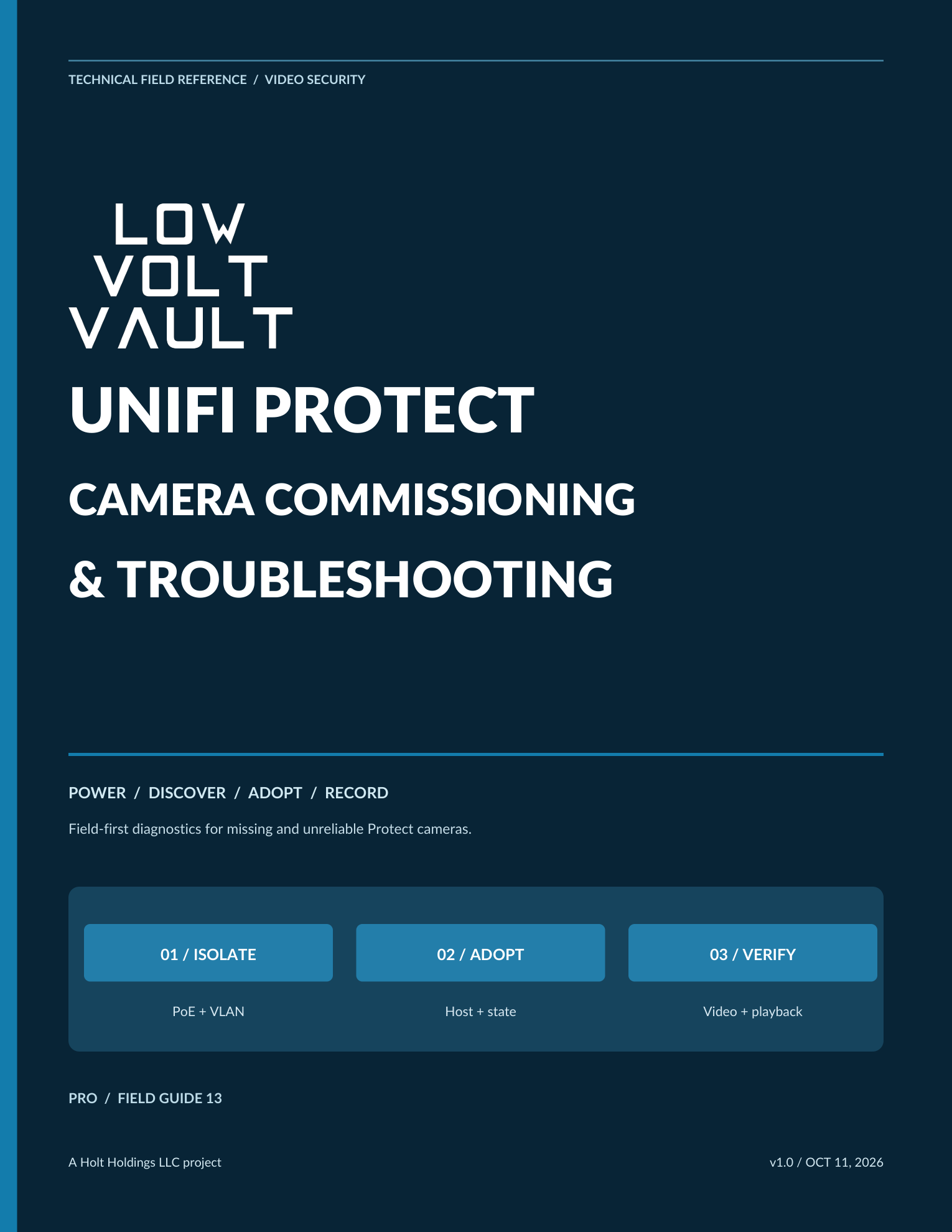
This Pro guide treats a Protect camera as a complete path from compatible host and stable PoE through DHCP and VLAN policy, adoption, recording, storage, playback, detections, and remote access. It helps technicians prove each stage instead of assuming a camera chime, ping, adopted state, or live image means the system is finished.
Use it when a camera is powered but missing from Protect, has an address without appearing for adoption, adopts and then fails or loops, records inconsistently, loses detections or remote viewing, disappears after reboot, or must move safely between Protect hosts.
What you will learn
- Verify host model, Protect and UniFi OS versions, supported camera, capacity, storage, and authorized access before adoption.
- Separate PoE, link, DHCP, VLAN policy, host reachability, discovery, and application state.
- Commission adoption, recording mode, playback, detections, privacy settings, and remote access as independent checks.
- Use MAC, lease, switch-port, host, application, storage, and timeline evidence to isolate failures.
- Apply reset, readoption, firmware, and recovery steps only when the observed fault supports them.
- Plan staged Protect migration with backups, current ownership, rollback, cutover, validation, and handoff evidence.
Built for the work in front of you
Prepare the host and network
Host compatibility and capacity, PoE, DHCP, VLANs, switch evidence, clock, storage, and authorized access.
Discover and adopt
Camera identity, MAC and lease tracing, host path, adoption state, prior ownership, reset boundaries, and onboarding.
Prove recording and playback
Recording modes, schedules, storage, detections, event zones, timeline evidence, remote clients, and privacy configuration.
Isolate Protect faults
Missing cameras, DHCP failures, repeated adoption, offline loops, G6 behavior, firmware, and multi-camera symptoms.
Recover and migrate
Safe reset decisions, readoption, rollback, staged host migration, commissioning checklist, and pocket quick reference.
Unlock this Pro guide
Pro membership unlocks every published Pro field guide through the protected download service.
Take the one-page tools with you
One-Page Field Checklist
A one-page Protect commissioning checklist for host, network, PoE, adoption, recording, playback, detections, access, and turnover.
Quick-Reference Sheet
A one-page powered, missing, and not-recording fault ladder for Protect cameras.
Use in context. Use current Ubiquiti documentation and the exact installed Protect, UniFi OS, host, camera, storage, and network versions. Do not assume universal camera support, retention, bandwidth, or compliance, and do not reset, unmanage, or migrate equipment without authorization and a rollback plan.